New pluginWindows · Standalone + VST3Beast Plugins

BasslineBeast

Bassline generator · built-in bass synth

Pick a genre. Find the line.

Choose a genre, a key, a scale and the chords, and BasslineBeast writes a bassline that fits them. Lock the rhythm or the pitch, vary the rest, edit any note, then hear it through the built-in mono synth or drag the MIDI straight into your session.

Not on sale yet · Windows standalone + VST3 · One license, two computers

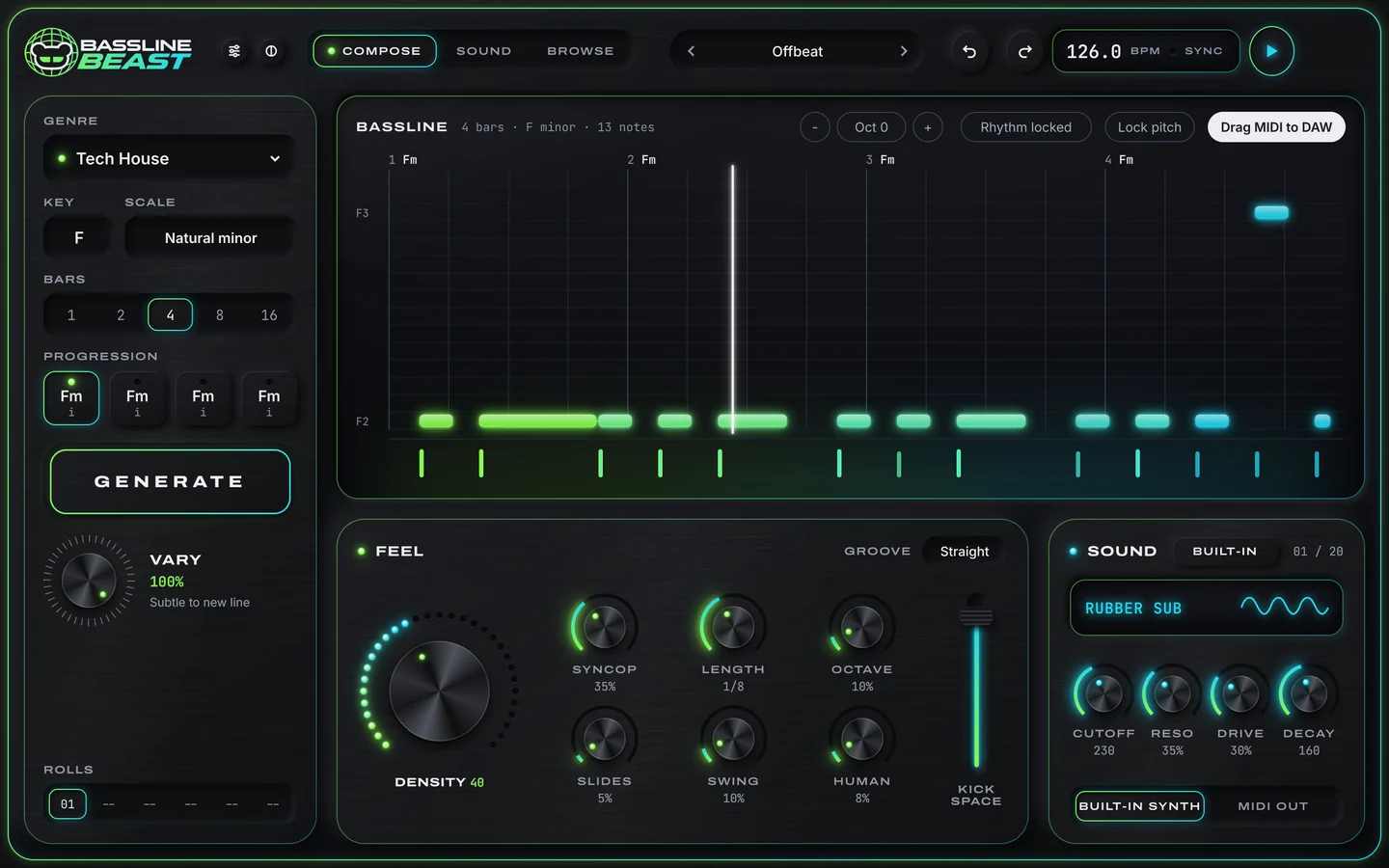
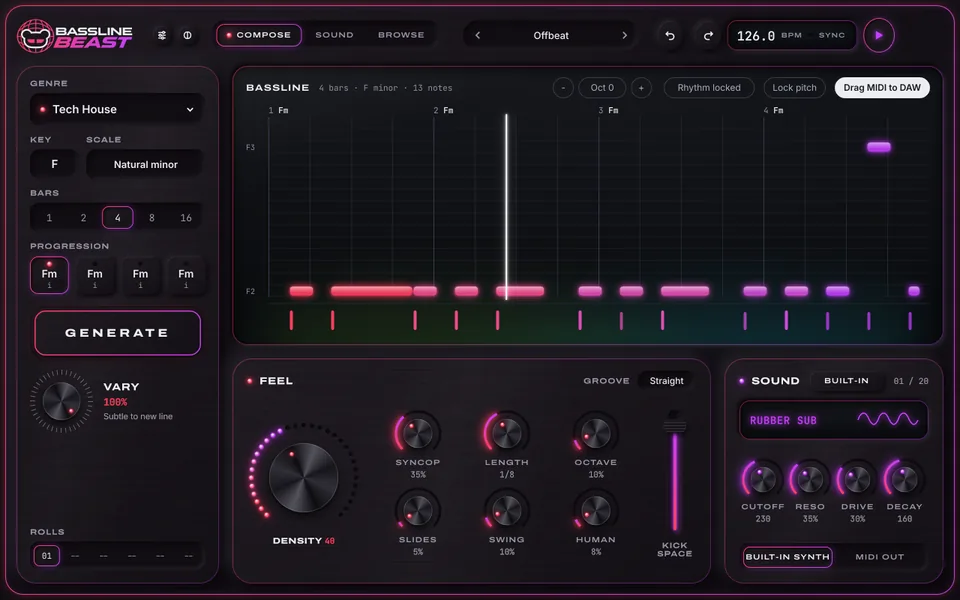
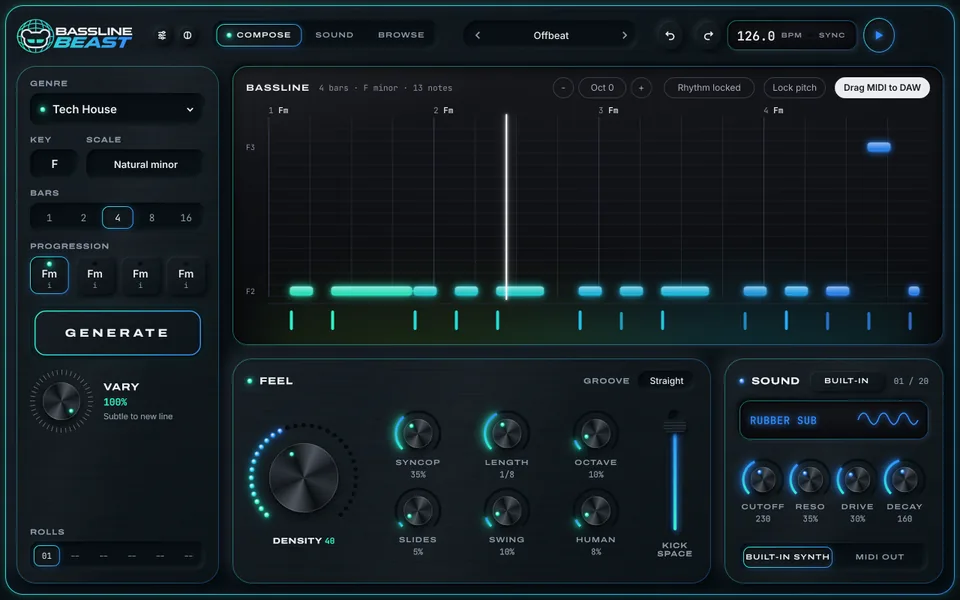
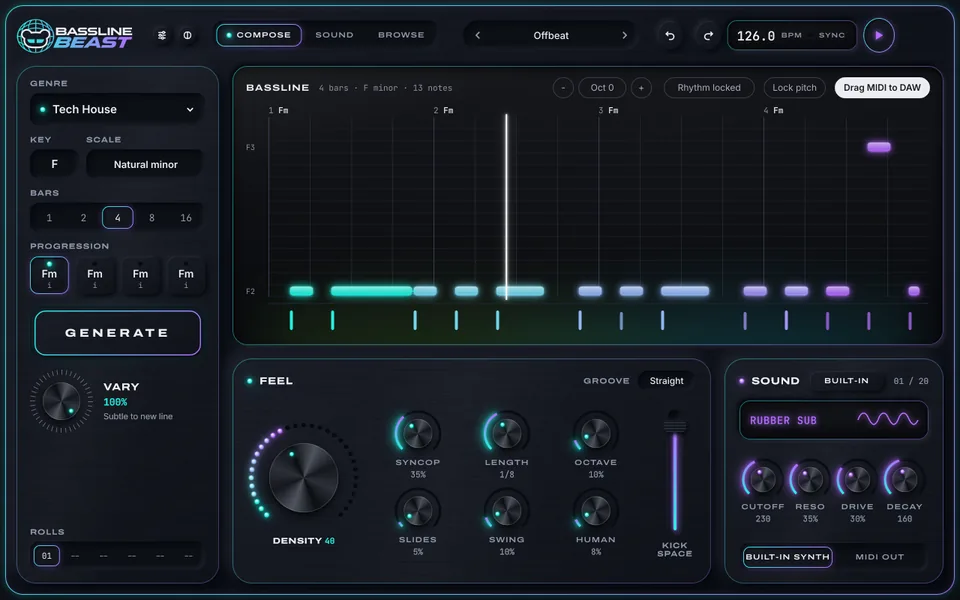
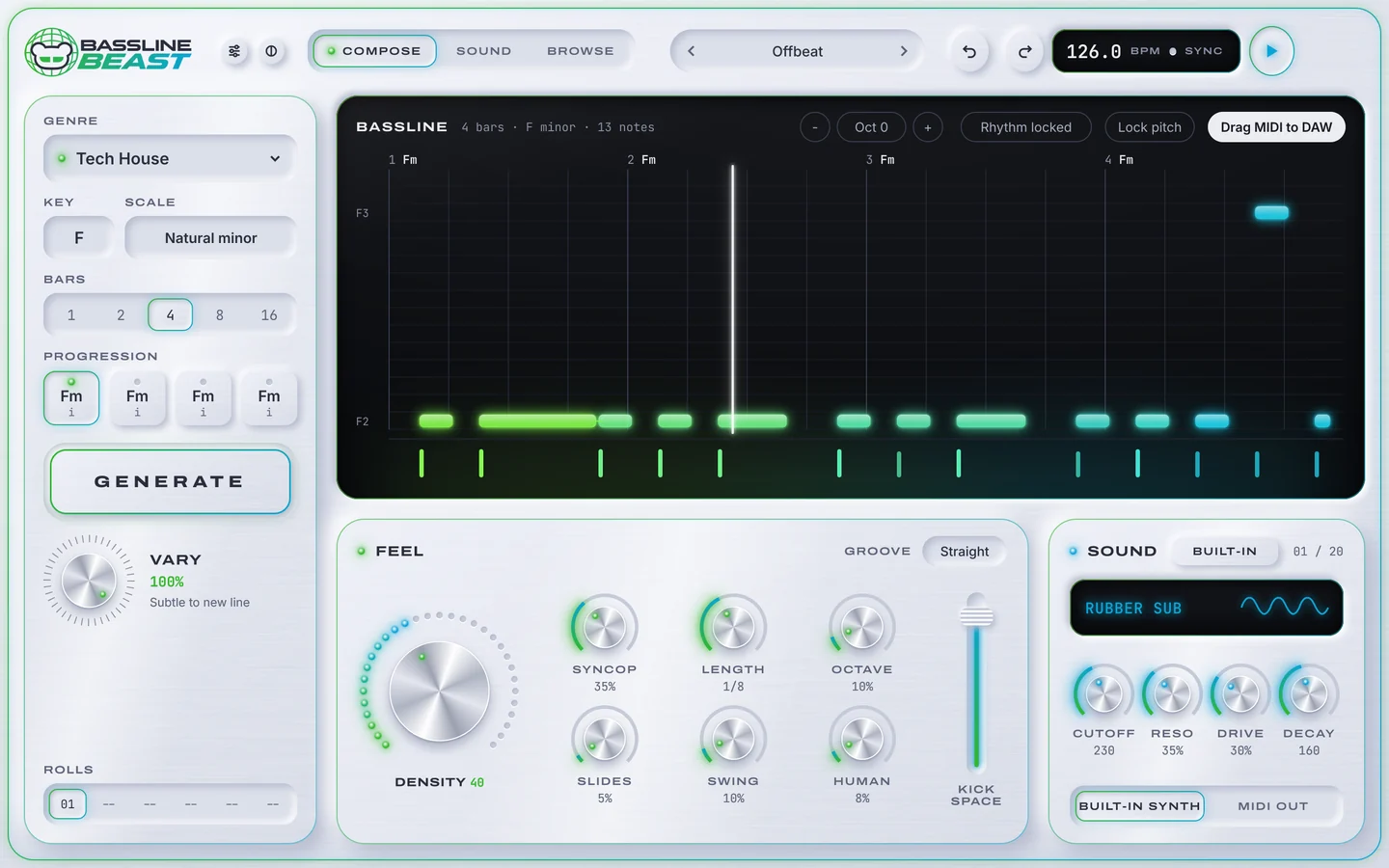
BasslineBeast Compose page in the Steel theme: Tech House in F natural minor over four bars, the generated bassline, the Feel panel with the Density knob and the Rubber Sub sound
  • 38Genre profiles
  • 144Styles
  • 13Scales
  • 4Synth models
  • 760Factory presets
  • 13Colour themes

Overview

Easy by default. Deep on demand.

Three pages. Compose writes and edits the line, Sound shapes the built-in synth, Browse finds a preset. The first line is one click away; every choice behind it is still yours to change.

  1. 01GENRE38 profiles, 144 styles
  2. 02KEY + SCALE12 keys, 13 scales
  3. 03CHORDSFour chord keys or a suggestion
  4. 04GENERATEA seeded line in that style
  5. 05LOCK + VARYKeep rhythm or pitch, change the rest
  6. 06SOUND OR MIDIBuilt-in synth, your instrument or MIDI out

Find a line

Generate. Lock. Vary.

This is how BasslineBeast works. Pick a feel, key and scale and press GENERATE. Like the rhythm but not the notes? Lock the rhythm and press VARY: only the pitches change. Lock the pitch instead and the groove moves under the same notes.

Bassline2 bars · F natural minor

An interactive sketch with five simple feels of its own and a plain browser tone. BasslineBeast's 38 genre profiles, 144 styles and synth are its own and far deeper.

BasslineBeast Compose page: genre, key, scale, bars and progression on the left and the bassline display with locks and Drag MIDI to DAW

Compose

Start with a musical direction.

Each genre profile carries its own styles: Tech House, for example, offers Offbeat, Rolling, Stabs and Minimal. Add a key, a scale, a length and up to four chords, or let BasslineBeast suggest a progression.

  • 38 genre profiles in 12 families, 144 styles
  • 12 keys, 13 scales and 1, 2, 4, 8 or 16 bars
  • Four chord keys with a menu each, and Suggest progression
  • Follows your host's tempo and transport, or plays from its own BPM
HouseBass House · Deep House · Funky House · House · Jackin House · Minimal / Deep Tech · Organic House · Progressive House · Tech House
TechnoHard Techno · Melodic House & Techno · Techno (Peak Time / Driving) · Techno (Raw / Deep / Hypnotic)
Bass140 / Deep Dubstep / Grime · Bass / Club · Dubstep · Trap / Future Bass · UK Garage / Bassline
Latin/AfroAfro House · Amapiano · Brazilian Funk · Latin Electronic
Breaks/DnBBreaks / Breakbeat / UK Bass · Drum & Bass · Electro
TrancePsy-Trance · Trance (Main Floor) · Trance (Raw / Deep / Hypnotic)
DowntempoAmbient / Experimental · Downtempo · Electronica
IndieIndie Dance · Indie Tech
Pop/MainstageDance / Pop · Mainstage
DiscoNu Disco / Disco
Hard DanceHard Dance / Hardcore / Neo Rave
UtilityDJ Tools / Acapellas

Scales13

  • Major
  • Natural minor
  • Dorian
  • Phrygian
  • Lydian
  • Mixolydian
  • Locrian
  • Harmonic minor
  • Melodic minor
  • Minor pentatonic
  • Major pentatonic
  • Blues
  • Phrygian dominant

Feel

One big knob for density.

Density decides how busy the line is. Around it, seven more controls shape how it moves, and five grooves set the swing of the whole pattern.

DENSITY
SYNCOPATION
LENGTH
OCTAVE
SLIDES
SWING
HUMANIZE
KICK SPACE
  • STRAIGHT
  • SHUFFLE A
  • SHUFFLE B
  • PUSH
  • LAZY

Edit

Keep the good part.

Generation is only the start. Lock what works, change what doesn't, and edit the rest note by note. Nothing you liked is ever lost.

Locks + vary

Lock the rhythm or the pitch, then VARY from subtle to a new line. Regenerate one bar on its own when only one bar is wrong.

Piano roll

Add, move, resize and delete notes, draw velocities, and set slides and accents. Snap to 1/4 to 1/32 or off, and shift by up to two octaves.

Rolls + undo

Every roll is kept in a history of up to 32, the last six one click away. Star the ones you like; undo and redo cover every gesture.

  • Drag MIDI to your DAW, or save it as a file
  • Import a MIDI file, or drop one on the window
  • Send the line as live MIDI on the channel you choose

New plugin

Find the line that moves the track.

38 genre profiles, 144 styles, rhythm and pitch locks, a piano roll, four synth models, 760 presets and drag-out MIDI.

Sound

A mono bass synth inside.

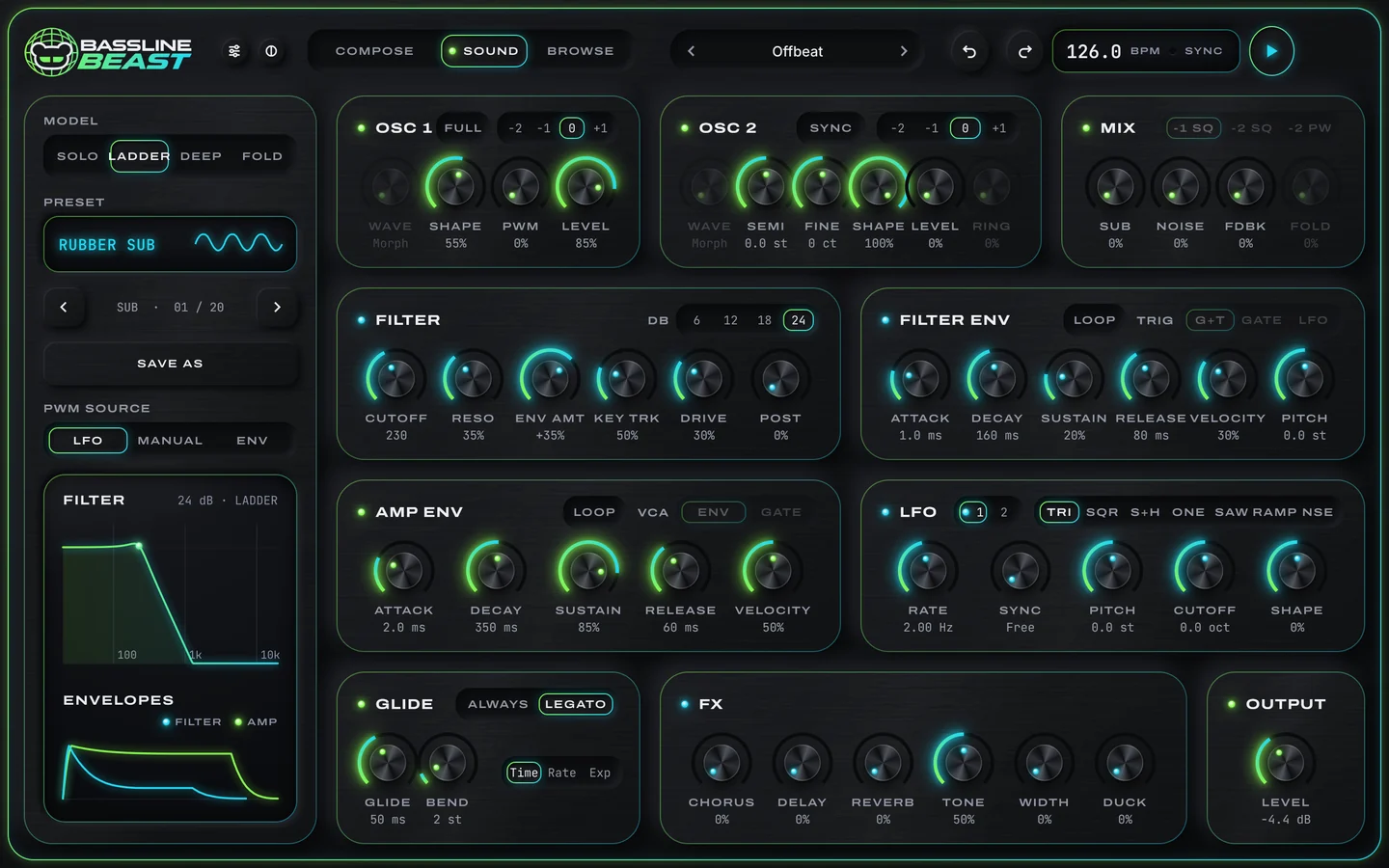
Hear the line straight away on the built-in synth: four character models on one mono engine. The Compose page keeps Cutoff, Reso, Drive and Decay at hand; the Sound page opens everything.

BasslineBeast Sound page: model and preset, two oscillators, mixer, filter, filter and amp envelopes, LFO, glide, effects and output

SOLO

One oscillator with saw and pulse, pulse-width movement, a sub, noise, a self-oscillating filter and a single envelope.

LADDER

Two oscillators with a continuous wave range and hard sync, a sub, noise and feedback, a 6 to 24 dB ladder filter with drive before and after, and looping envelopes.

DEEP

Two saw or square oscillators into a ladder filter, with long envelopes for slow, heavy decays.

FOLD

Oscillators that move between saw, triangle and square, a Shape control that folds, hollows or narrows the wave, sync or ring, and a 12 dB filter.

  • OSC 1 + 2 · SYNC · RING
  • SUB · NOISE · FEEDBACK · FOLD
  • FILTER 6 / 12 / 18 / 24 dB
  • FILTER ENV
  • AMP ENV · LOOP
  • LFO 1 + 2
  • GLIDE · ALWAYS / LEGATO
  • CHORUS · DELAY · REVERB
  • TONE · WIDTH · DUCK

Instrument slot

Prefer your own sound? Load a VST3 instrument into the slot and BasslineBeast plays it, saved with your project. If it is missing on another computer, the built-in synth steps in. Instrument hosting depends on the instrument you load.

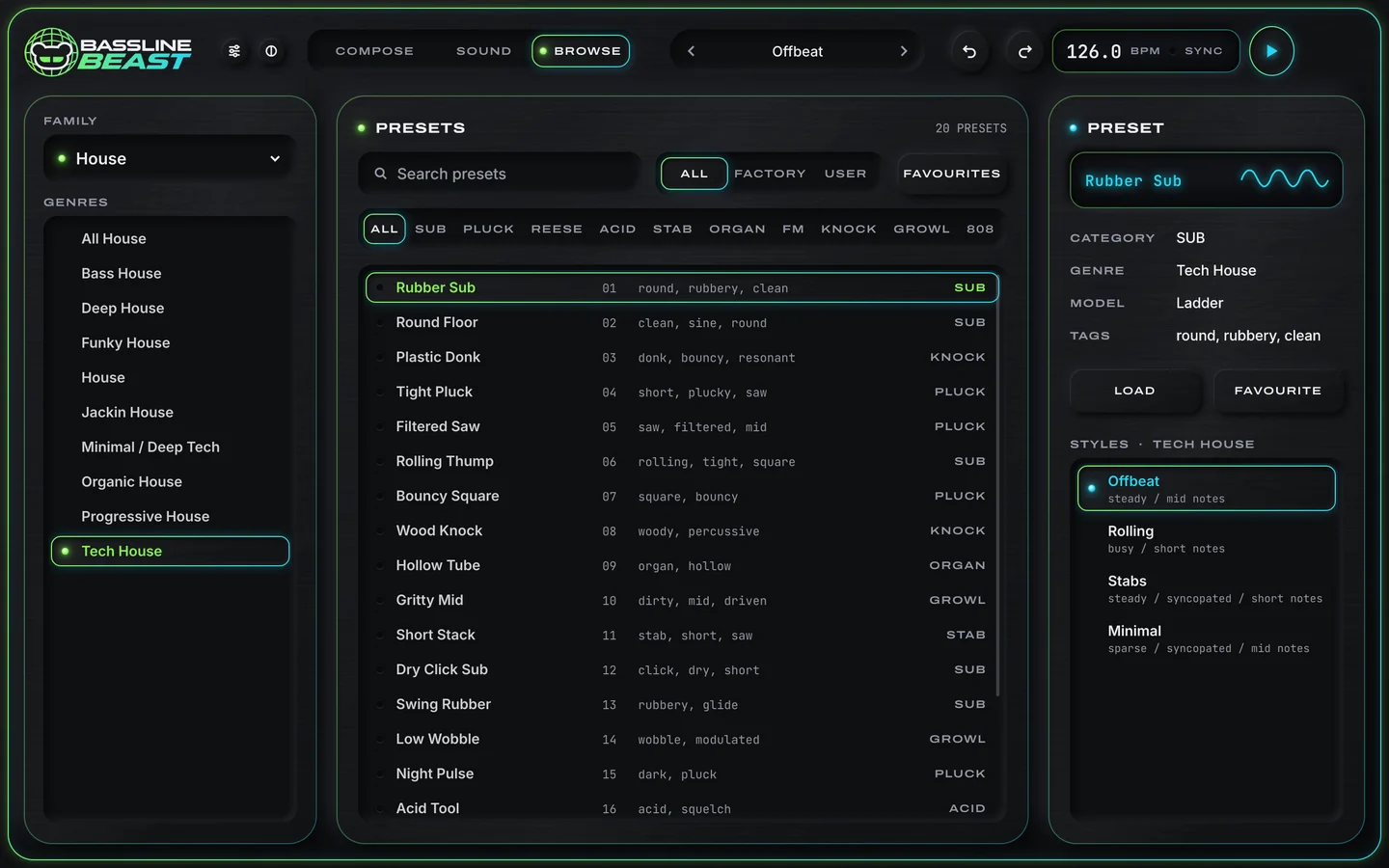
BasslineBeast Browse page: genre families, a searchable preset list with categories and the selected preset with its styles

Browse

760 presets, sorted by genre.

Twenty factory sounds for every genre profile, found by family and genre, by category, or by search. Load one, favourite it, or save your own beside them.

  • SUB
  • PLUCK
  • REESE
  • ACID
  • STAB
  • ORGAN
  • FM
  • KNOCK
  • GROWL
  • 808

Themes

Thirteen colourways. Dark or light.

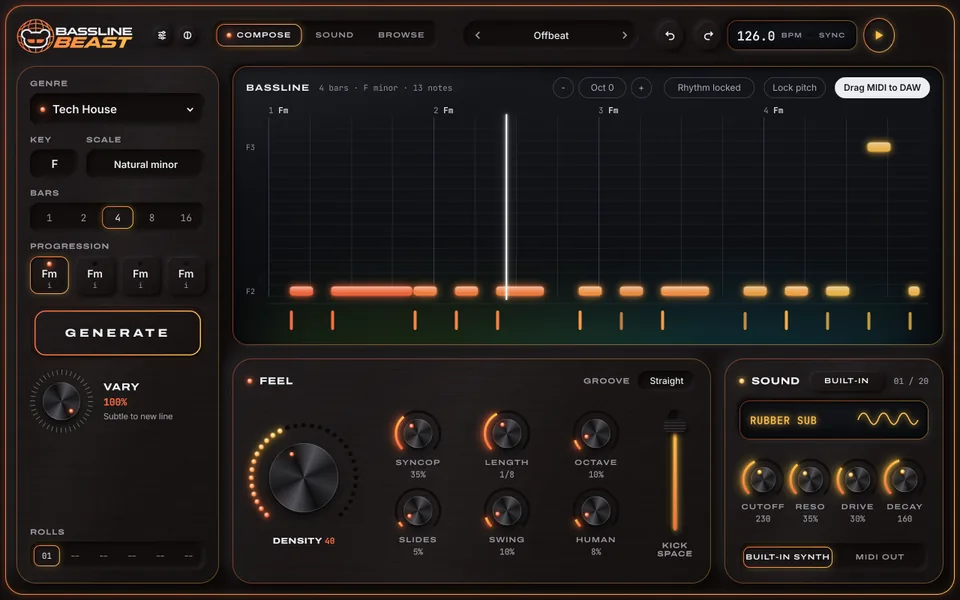
Brushed steel panels with a frame that slowly cycles its colour. Pick one of 13 colourways in dark or light, and a window size from 75 to 200 %.

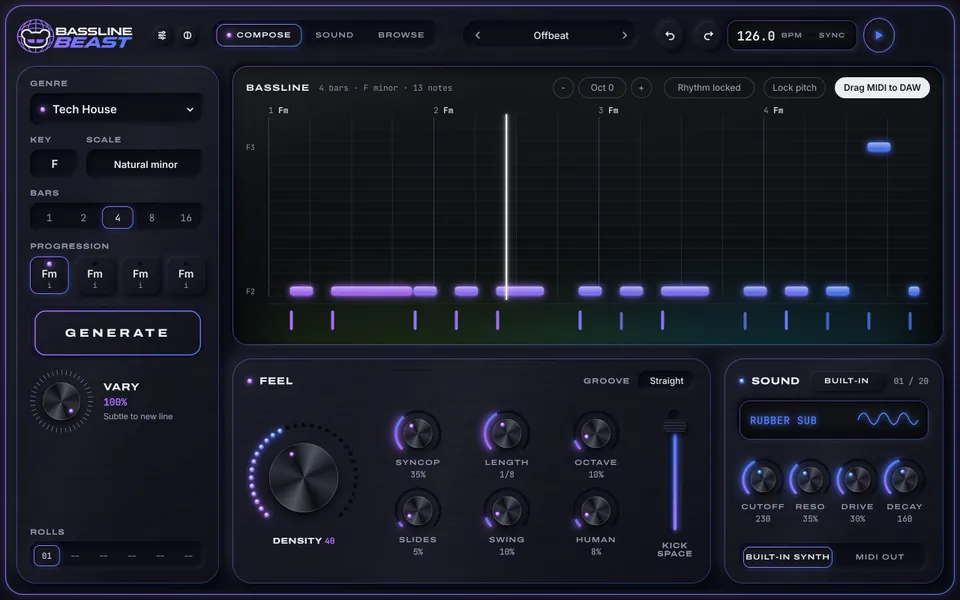
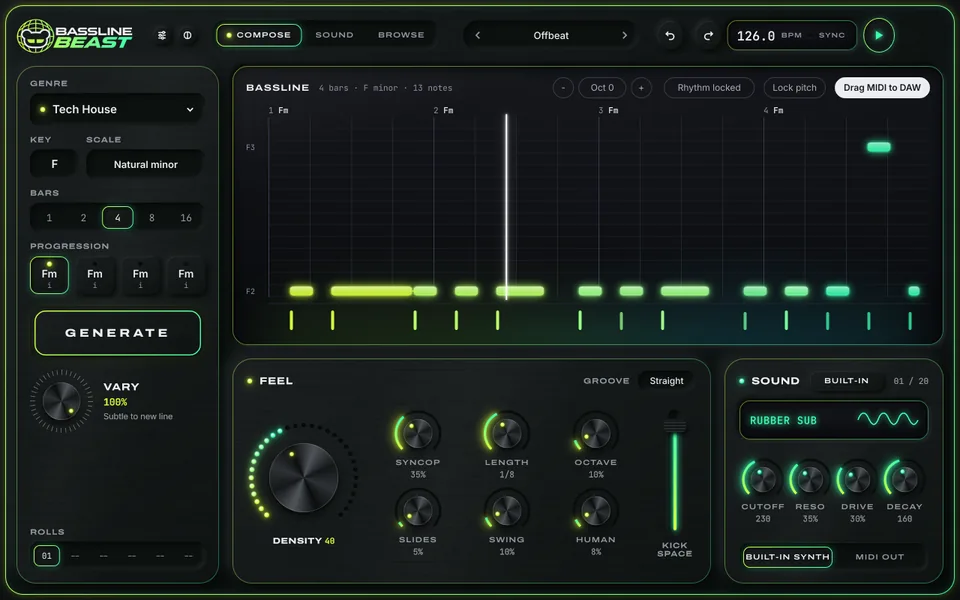
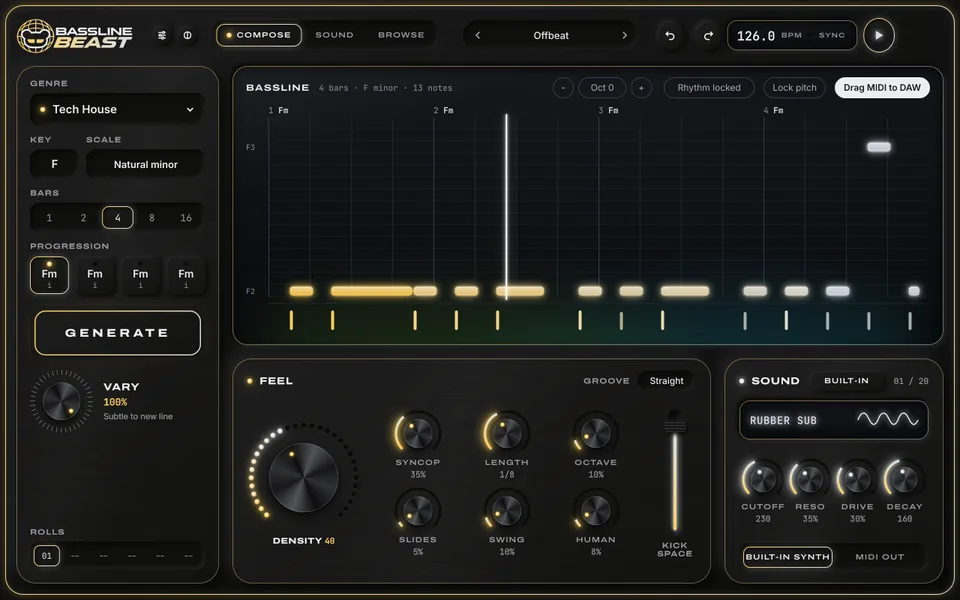
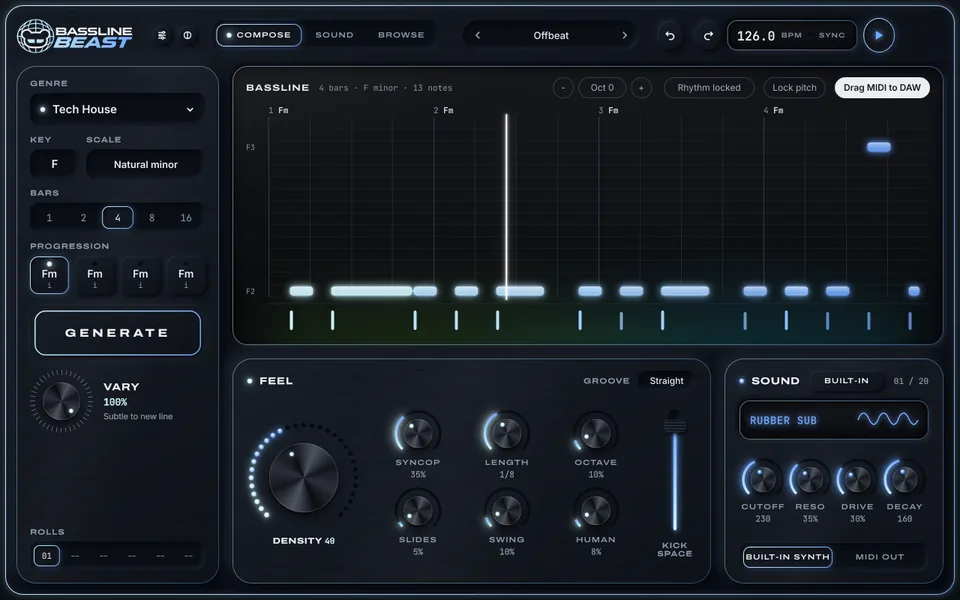
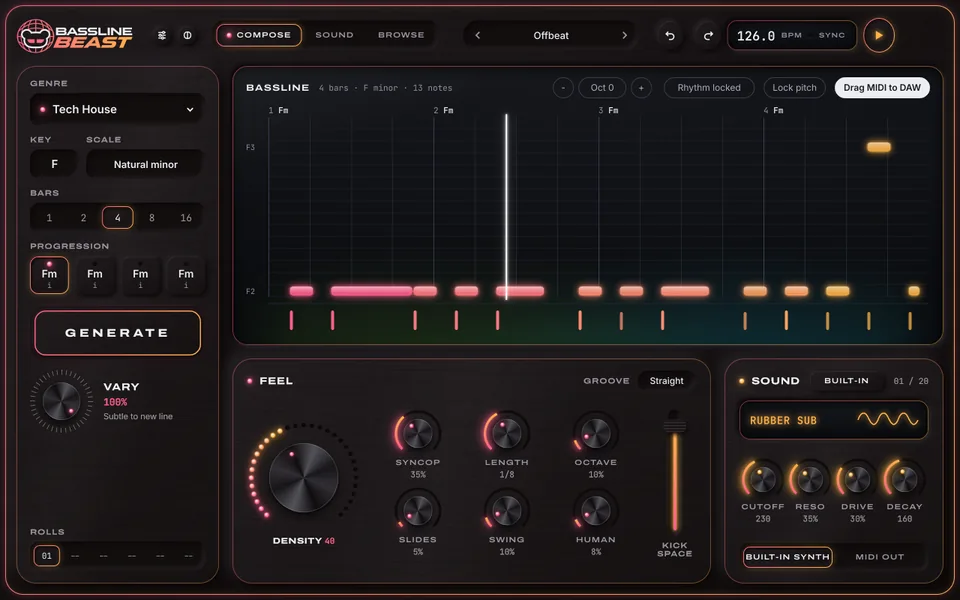
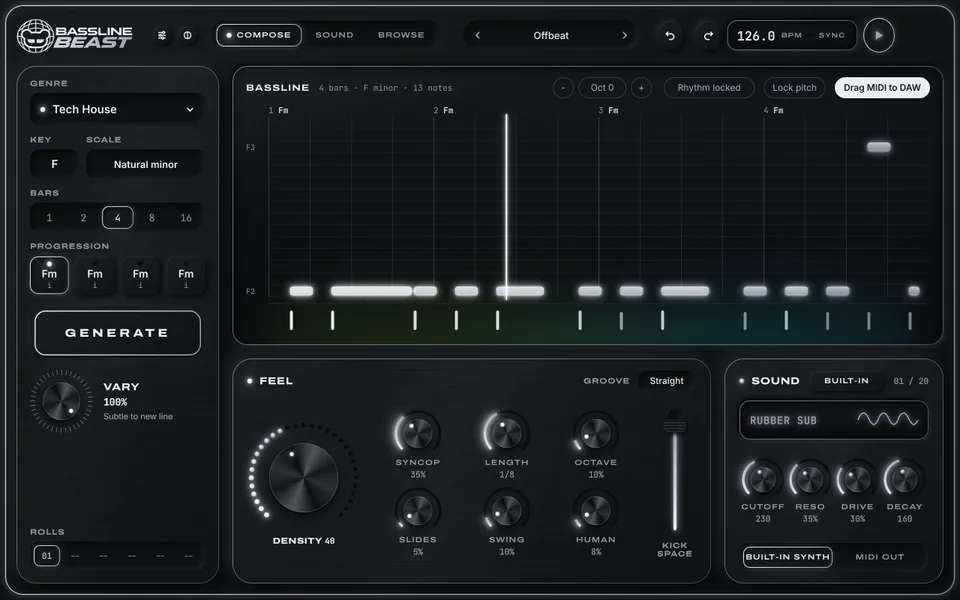
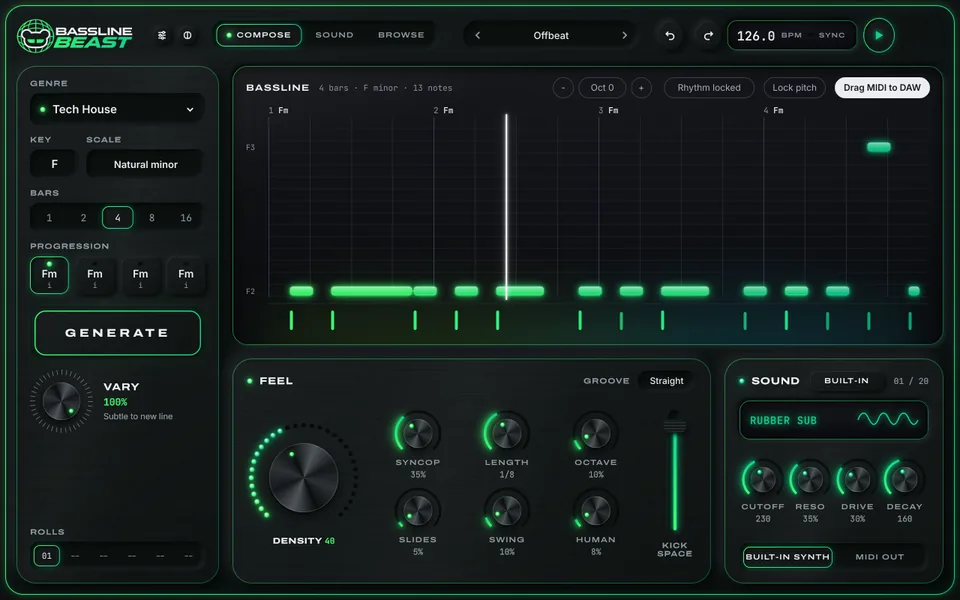
BasslineBeast in the Steel colour theme BasslineBeast in the Ember colour theme BasslineBeast in the Ruby colour theme BasslineBeast in the Ultraviolet colour theme BasslineBeast in the Synthwave colour theme BasslineBeast in the Toxic colour theme BasslineBeast in the Brass colour theme BasslineBeast in the Ocean colour theme BasslineBeast in the Arctic colour theme BasslineBeast in the Sunset colour theme BasslineBeast in the Mono colour theme BasslineBeast in the Lagoon colour theme BasslineBeast in the Matrix colour theme BasslineBeast in light mode
Steel · dark

Specs & license

What you get.

Platform
Windows (64-bit)
Formats
Standalone application + VST3 instrument with MIDI out
Compose
38 genre profiles in 12 families, 144 styles, 12 keys, 13 scales, 1–16 bars, 4 chord keys
Feel
Density, syncopation, length, octave, slides, swing, humanize, kick space; 5 grooves
Edit
Rhythm and pitch locks, vary, regenerate a bar, piano roll, roll history with stars, undo
Sound
Mono synth with Solo, Ladder, Deep and Fold models, effects, 760 presets in 10 categories
Instrument
Instrument slot for a VST3 instrument, saved with the project
MIDI
Drag to DAW, save, import or drop a .mid file; live MIDI out on a chosen channel
Interface
13 colourways in dark and light, 75–200 % window size

BEASTNETOne purchase. Two computers.

Not on sale yet. This is how buying and activation will work at release.

  1. BuyInstant digital download. Your BSB- license key arrives by email. One license per order.
  2. Sign inSign in with your BEAST account (the email you used at checkout) and redeem the key. An internet connection is needed to activate.
  3. Play anywhereActivate on up to two computers. Activated paid licenses keep working offline.

A 7-day trial is built in for any verified BEAST account. A BasslineBeast license unlocks BasslineBeast only.


FAQ

Good questions.

Do I need to know music theory?

No. Pick a genre and press GENERATE; the key, scale and chords have sensible defaults, and Suggest progression can choose the chords for you.

What exactly do I download?

The Windows standalone application and the VST3 instrument with the factory presets. Your license key arrives by email straight after checkout.

Is there a Mac version?

BasslineBeast is for Windows (64-bit) at launch.

Can I use my own bass sound?

Yes. Drag the MIDI into your DAW, send it as live MIDI, or load a VST3 instrument into the instrument slot. The built-in synth is there whenever you want it.

Will the same settings give me the same line?

Yes. Generation follows each genre's rules from a seed, so a line can always be found again, and the roll history keeps your recent ones.

How many computers can I use it on?

Two. Sign in with your BEAST account on each computer; after activation a paid license keeps working offline.

Drop the bass.

38 genres, rhythm and pitch locks, four synth models and every line ready to drag into your session.