Included
BEAST sample head
A happy face with all 52 face shapes: eyes, brows, cheeks, jaw, mouth, nose and tongue. Use sample head brings it back at any time.
New releaseWindows + Maca KID called BEAST
 BEASTCamera
Wear your BEAST. Go live.
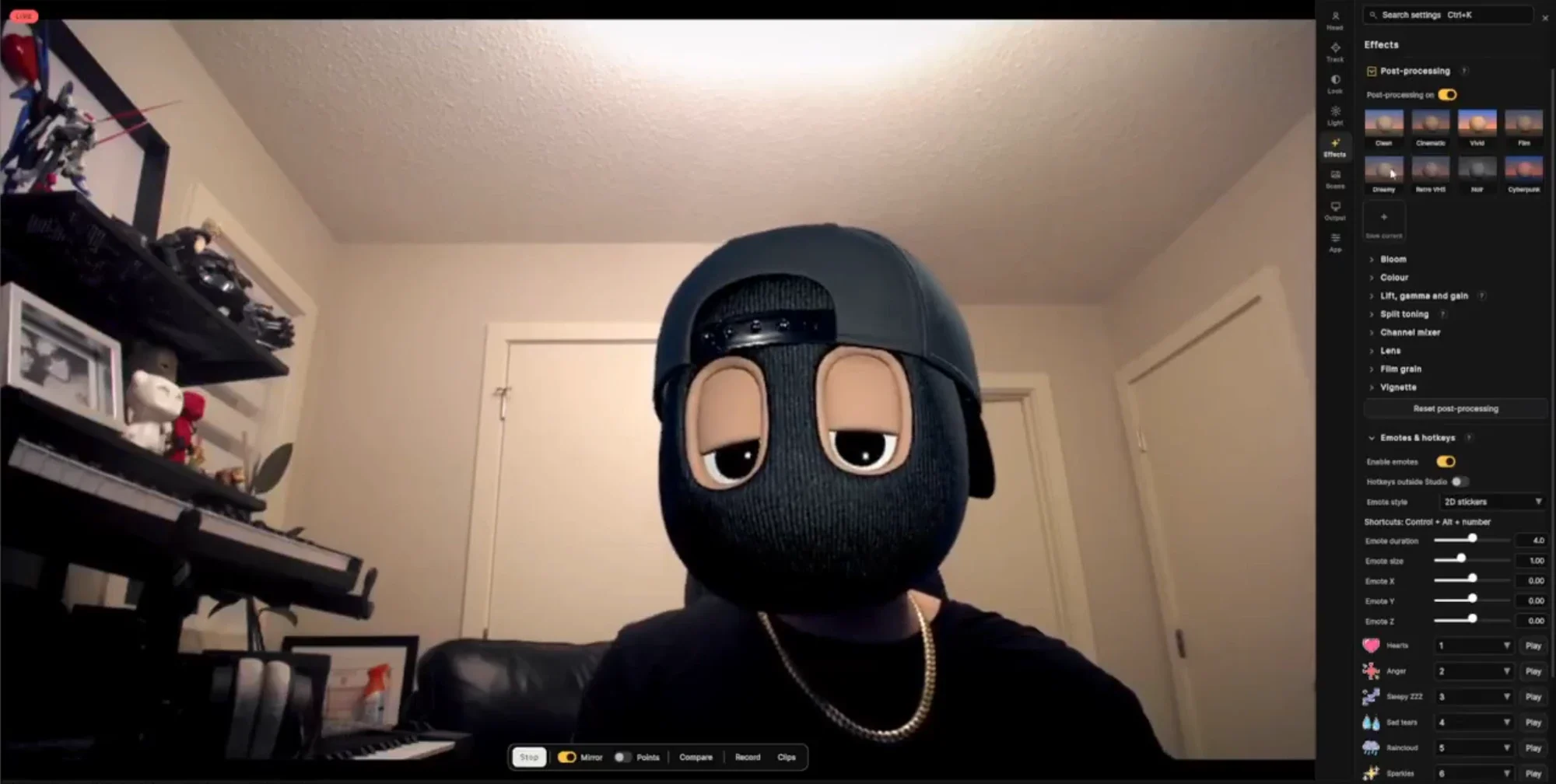
A face filter app for Windows and Mac. Your webcam tracks your face on your own computer, and a 3D BEAST head follows every turn, blink and mouth shape. Light it, give it a look, fire emotes from your keyboard, record a clip, or pick its virtual camera in your video-call app.



Overview
Open the app, start your webcam and press Go live when it finds your face. From there the head moves with you, and everything you change, from the lights to the look, saves with your scene.
Try it
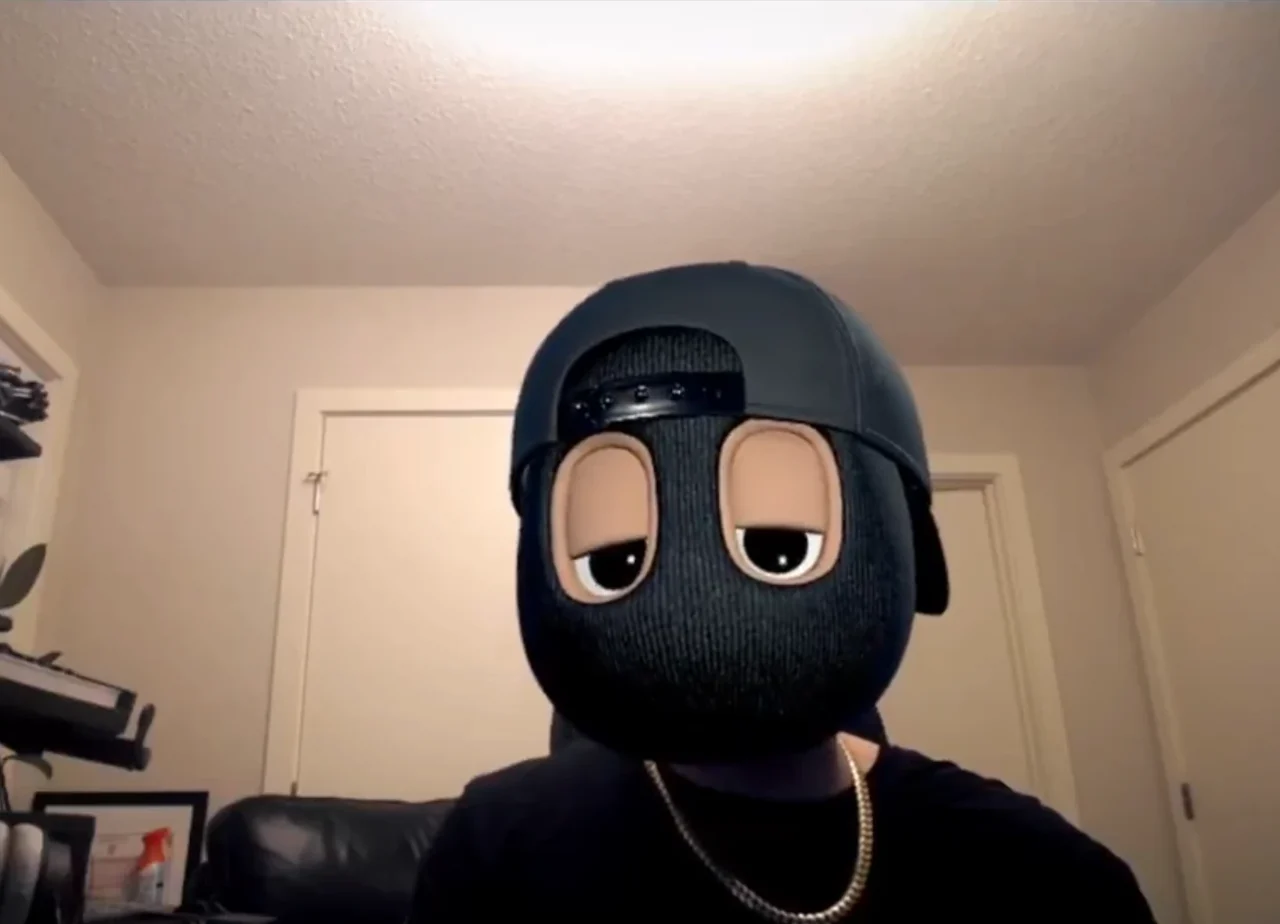
The app has eight looks and nine emotes. Try them on a real BEASTCamera frame: choose a look, then press an emote or a number key from 1 to 9.
Look Clean
Looks8
EmotesKeys 1–9
An interactive sketch: the picture is a real BEASTCamera frame and the stickers are the app's own art, but your browser draws the looks and places the emotes, not the app's renderer.
Heads
The first start loads the BEAST sample head, so the filter works straight away. Then switch to your own model, or to the BEASTs you own.
Included
A happy face with all 52 face shapes: eyes, brows, cheeks, jaw, mouth, nose and tongue. Use sample head brings it back at any time.
Your own model
Choose a .glb or binary .fbx head with ARKit-named face shapes such as jawOpen. The app checks the file first and keeps your last head if one cannot load.
BEAST Portal
Sign in to BEAST Portal inside the app and pick a BEAST you own. Downloaded heads are kept on your computer, and Clear downloaded heads removes them.
Body mode
Switch from FACE to BODY and load a .vrm avatar (VRM 0.x or 1.0). Face, gaze, blinks, upper body, hands and fingers follow you.
Tracking
Your webcam is all it needs. The app finds your face, places the head over it and drives its eyes, brows and mouth from your own expressions. Tracking runs on your computer; no camera image is uploaded.
Looks + light
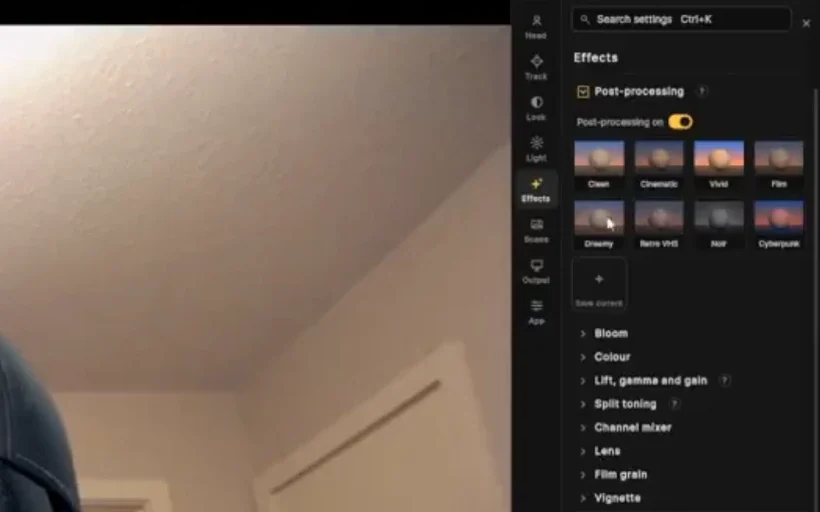
Start from one of eight looks, then open the sections underneath and make it yours. Save current turns your settings into a tile of your own, and holding Compare shows the picture without them.
New release
Live face tracking, a virtual camera, eight looks, three lights, nine emotes and 720p clips, on Windows and Mac.
Emotes + hotkeys
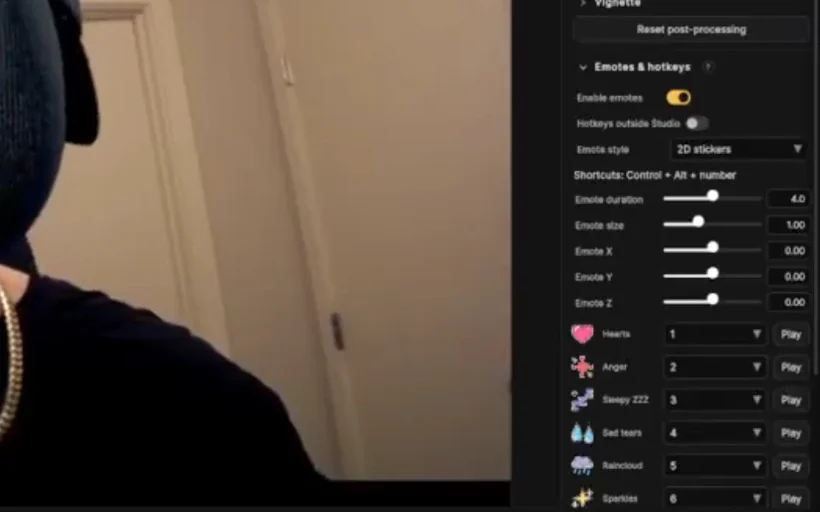
Emotes stick to the head and follow it as you turn. Pick flat 2D stickers or lit 3D objects, set how long they last, their size and position, and give each one its own key.
 HeartsCtrl + Alt + 1
 AngerCtrl + Alt + 2Sleepy ZZZCtrl + Alt + 3
 Sad tearsCtrl + Alt + 4
 RaincloudCtrl + Alt + 5SparklesCtrl + Alt + 6
 SurpriseCtrl + Alt + 7
 Sweat dropCtrl + Alt + 8
 Heart eyesCtrl + Alt + 9
Virtual camera + clips
BEASTCamera adds a virtual camera to your computer. Choose it in your video-call app's camera list and the other side sees your BEAST, not your webcam.
The app opens your webcam and starts looking for your face.
Once your face is found, press Go live. The red LIVE badge shows what is being sent.
Turn on the virtual camera in the top bar, then choose it as the camera in your call. It sends 720p at 30 frames per second.
Record saves the finished picture as a 1280×720 MP4 at up to 30 fps, with your look and emotes. Clips are silent, and Clips opens the folder.
Settings panels and the face-point overlay never reach the virtual camera or your clips; only the picture does.
Every look saves as a scene with a thumbnail. Undo, redo, duplicate, export and import; changes save on their own.
Specs & download
DownloadWindows + Mac
FAQ
The BEAST sample head, with all 52 face shapes. You can also load your own .glb or .fbx head, a .vrm avatar in Body mode, or sign in to BEAST Portal to wear the BEASTs you own.
Yes. BEASTCamera adds a virtual camera. Keep the app open and live, then choose it as the camera in your call. It sends video only; your call app still uses your own microphone.
No. Face tracking and the background cutout run on your computer and no camera image is uploaded. Only what you send through the virtual camera reaches your call.
A webcam and either Windows (64-bit) or a Mac with Apple silicon running macOS 14 or later.
No. Buy it, download the installer for your computer from your order email or My account, and open the app.
No. Clips are silent 1280×720 MP4 files with your look and emotes, saved to your Videos folder on Windows.
Face filter app
Your webcam, your face, a 3D BEAST head: eight looks, nine emotes and a virtual camera for your calls.
Introductory price $10 · regular price $50